Ensuring the safe transport of temperature-sensitive shipments, pharmaceuticals, perishables, and electronics.
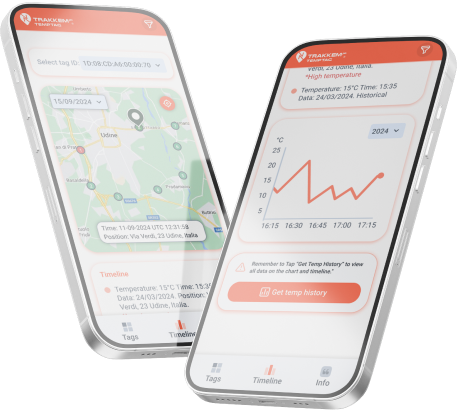
The TempTag App makes monitoring temperature-sensitive shipments easy. Scan TempTags with NFC or RFID to access key data at checkpoints. While not real-time, it provides temperature and location details with each scan. Activate the historical temperature feature to retrieve a full log of the entire journey.

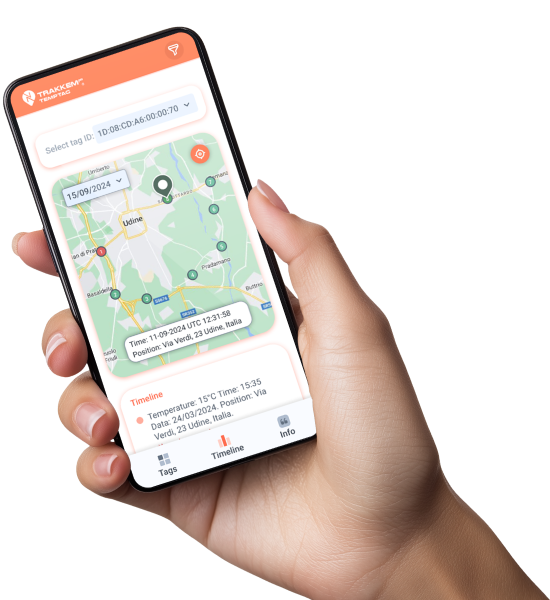
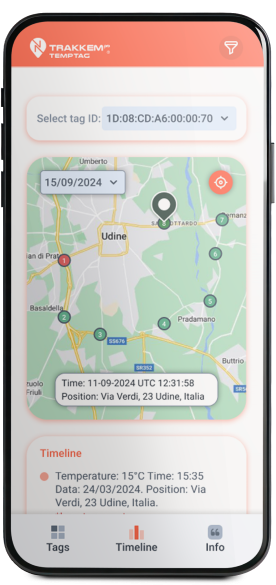
Use NFC or RFID to scan your TempTags at checkpoints and instantly retrieve the tag’s current temperature and position.

Activate the historical temperature feature to record data throughout the journey, allowing you to retrieve the full temperature history with each scan.

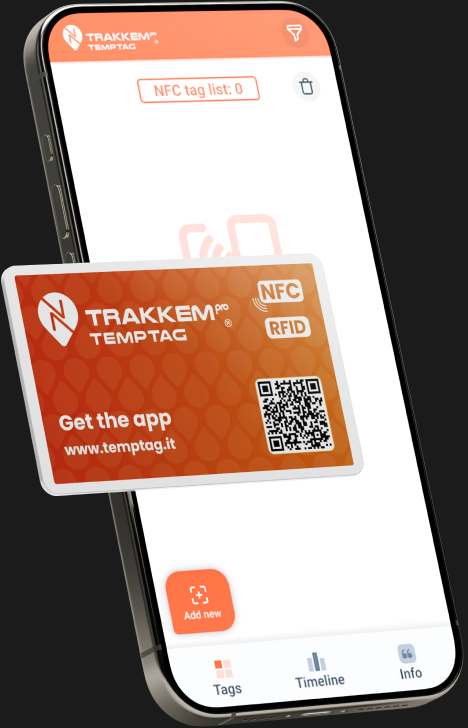
Add and manage multiple TempTags in your user profile.

View the latest temperature readings each time a tag is scanned. Ensure your goods have remained within the optimal temperature range at each checkpoint.

With the historical temperature feature activated, you can retrieve the entire temperature log for the journey, giving you a comprehensive view of the shipment’s conditions.

Each time a TempTag is scanned, the app records the location of the scan, providing a full log of your shipment’s journey from origin to destination.

Set temperature thresholds for your shipments, and show alerts when a scan reveals deviations from your pre-set range.

Seamlessly integrate temperature and location data into your logistics management system (ERP, TMS, WMS) using our RestAPI.
Integrate temperature and location data directly into your logistics management systems, including ERP, TMS, and WMS, using our RestAPI. With easy API integration, you can streamline operations and keep your systems updated with records fetched from your TempTags.
Contact us today to get started with API integration and take your logistics management to the next level.
Start monitoring your temperature-sensitive shipments today. Download the TempTag and ensure your goods are safe and compliant. TempTag It!
Download and Install
Get the TempTag App. Sign in to access your shipment profiles and start tracking your TempTags.
Use NFC or RFID to scan your TempTags. Each scan updates the latest temperature and position data to the app.
Enable historical temperature tracking on your tags to record data throughout the shipment. The entire temperature history will be accessible at the next scan.
After each scan, access a complete log of temperature readings and checkpoint locations, ensuring full visibility into the shipment’s journey and conditions.
Historical Data Access, Retrieve a full log of temperature data from the entire journey whenever the tag is scanned.

Scan tags at checkpoints to check temperature and position without needing real-time updates.

Store complete records of shipment conditions for compliance and audit purposes.

Stay informed with alerts if temperature thresholds are exceeded at any point.

Manage several shipments at once, ensuring all tags are tracked efficiently.